
Build your first Meta leads campaign
A simple first structure for a service business.
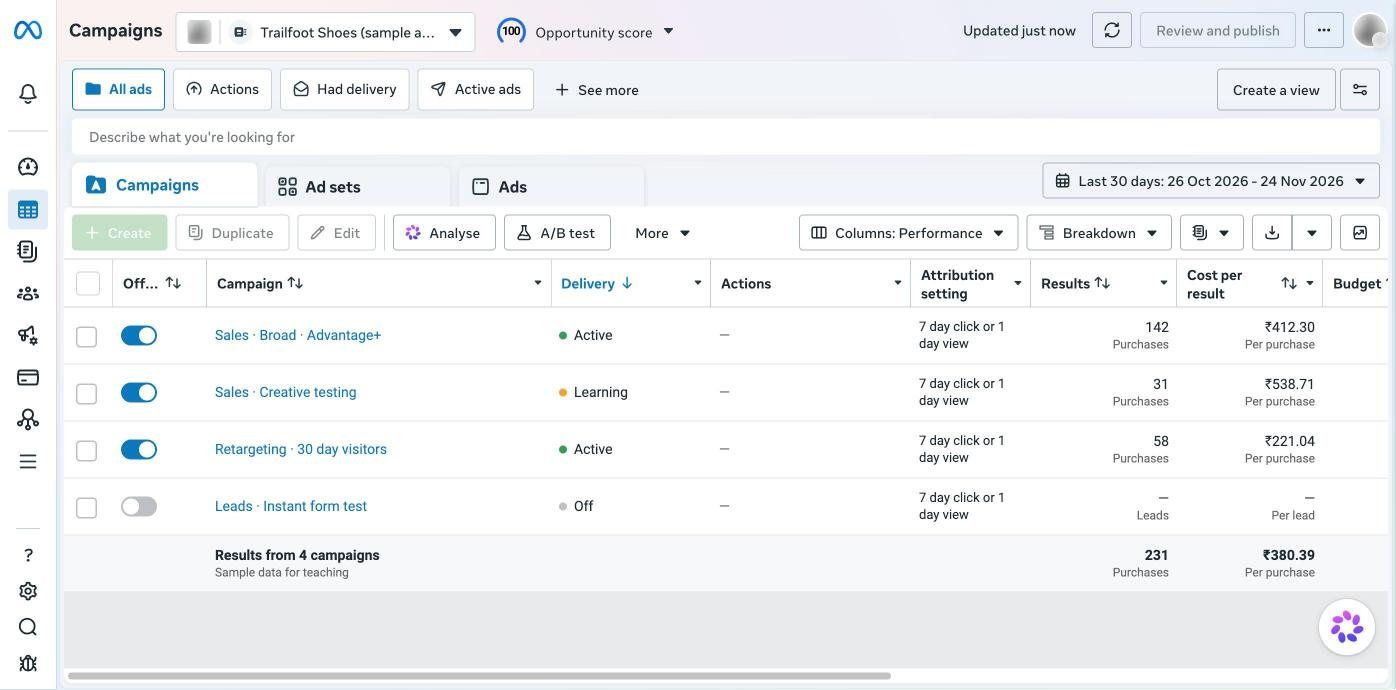
Meta Ads Manager · Campaigns tabReal screen, sample data
- Objective: Leads. Choose the conversion location: instant form, website, or messaging apps.
- Optimisation: leads, or the higher quality option (conversion leads) once your CRM sends lead stages back.
- Location and audience: the areas you serve, a realistic age range, Advantage+ audience. B2B services can still go broad; your creative tells Meta who the ad is for.
- Ads: three to five different ads: you talking to camera about the problem you solve, a client result you are allowed to share, a clear offer image, a before and after where honest and allowed.
- Form or page: the offer in the headline, a qualifying question, a thank you message that sets expectations.
Some services are special ad categories (credit, employment, housing, and in some countries financial products). Declare the category; targeting options will be limited.
Key takeaway
Leads objective, the right conversion location, broad audience in your service area, three to five different ads, a form with a qualifying question.
Try this. Record a 30 second video of yourself explaining the one problem you solve best. That is your first ad.
PreviousInstant forms, website forms or WhatsApp
Mark complete and go toBuild your first Google search campaign for services ›
Use the left and right arrow keys to move between lessons. Your progress is saved on this device.