
Build your first Google search campaign for services
People searching for a service are often ready to talk to someone today. Search ads catch them.
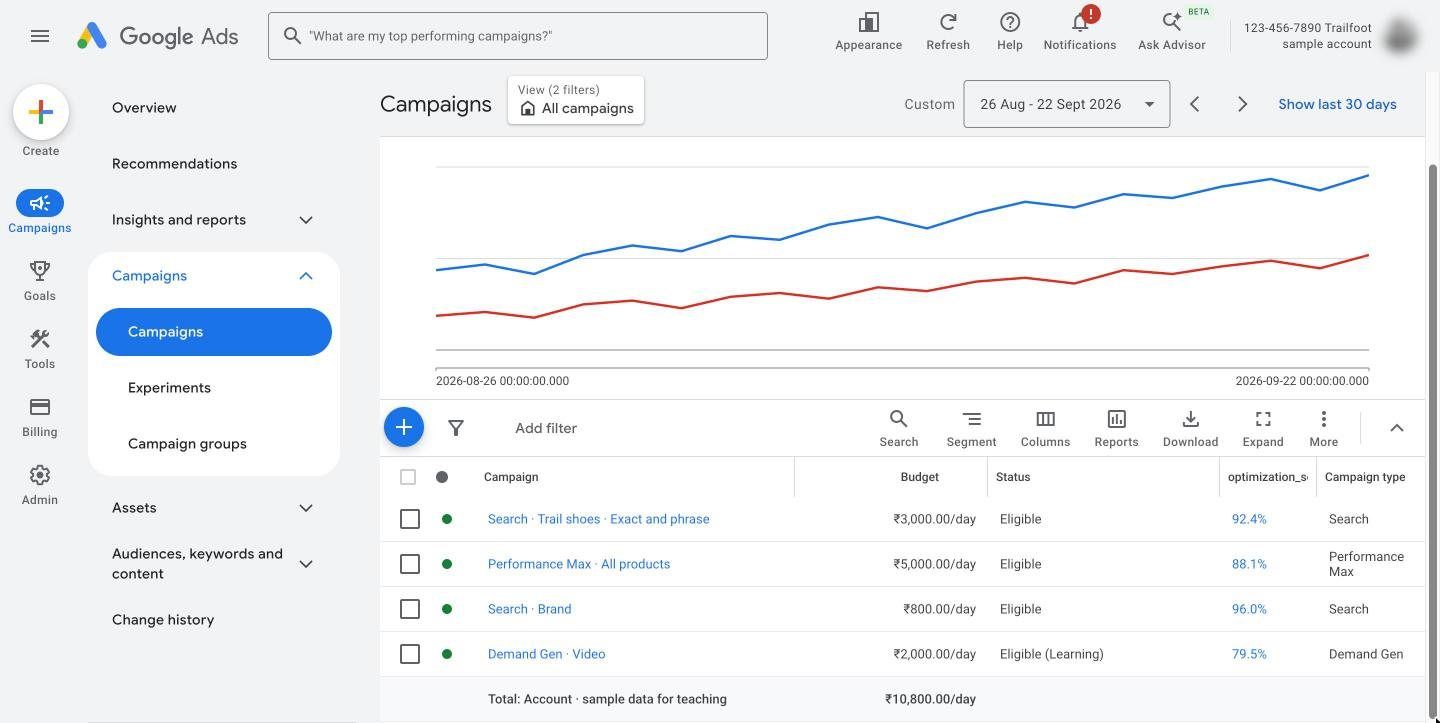
Google Ads · Campaigns viewReal screen, sample data
- Keywords with intent: the service plus "near me", "cost", "quote", "hire", "agency", "consultant", or urgent words for trades ("emergency plumber").
- Match types: phrase and exact to start, so you control spend.
- Negatives: jobs, salary, course, training, free, DIY, how to, template.
- Ads: the service and area in headlines, proof (years, reviews), the front offer, a call to action.
- Assets: call asset, sitelinks to pricing, reviews and the booking page, callouts like "Free quote".
- Conversions: lead form, booking and calls. Then Maximize conversions.
Key takeaway
Bid on high intent service keywords with phrase and exact match, add strong negatives and call assets, and track forms, bookings and calls.
Try this. List 15 searches your best clients might have typed before finding you, then 10 negatives.
Use the left and right arrow keys to move between lessons. Your progress is saved on this device.