
Tracking leads properly
If the platforms only see form fills, they will find people who fill forms. You want them to find people who become clients.
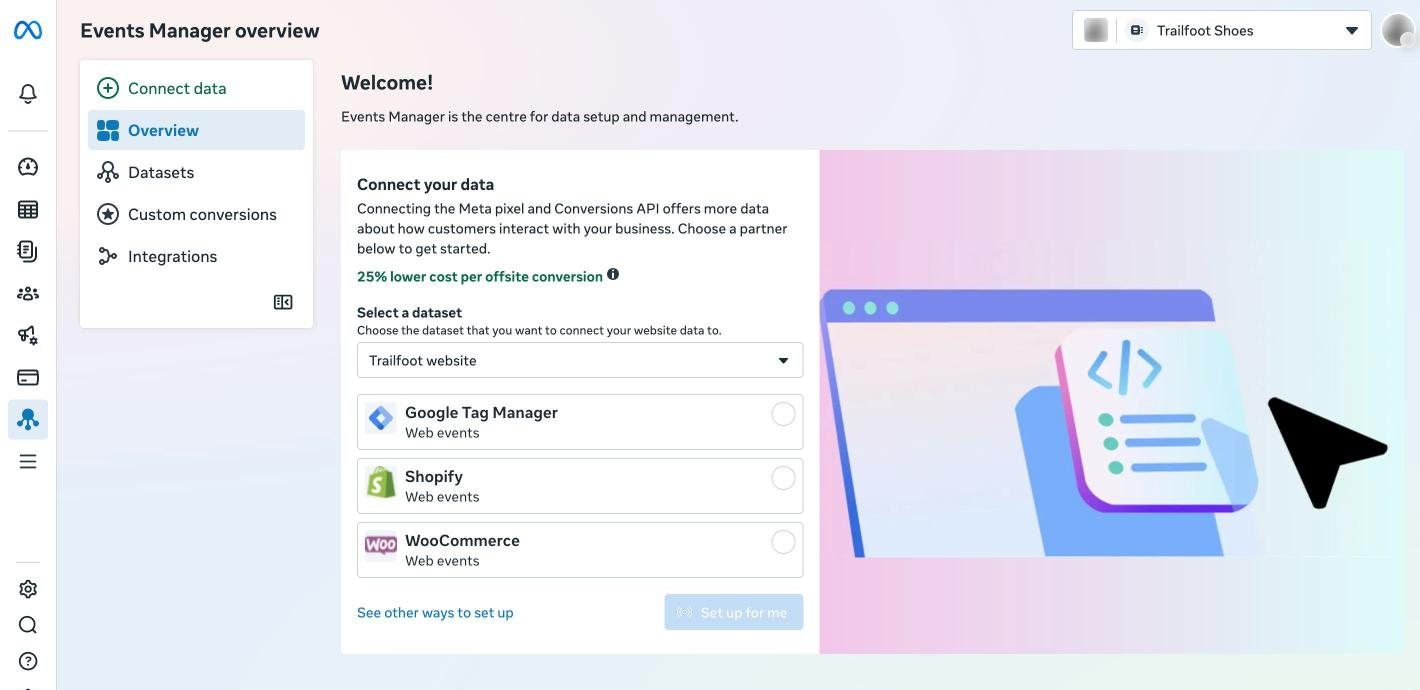
Meta Events Manager · Where lead events arriveReal screen, sample data
Level 1: track the lead
Fire the Meta Lead event and a Google Ads lead conversion on the thank you page or form submission. For calendar bookings, track the booking (the Schedule event on Meta).
Level 2: track quality
Mark leads in your CRM or even a spreadsheet as qualified, booked or won. Then send those stages back:
- Meta: the Conversions API (often through a CRM integration) can send lead stages, so Meta can optimise for quality leads.
- Google: import offline conversions or use enhanced conversions for leads to tell Google which leads turned into clients.
Start with level 1 on day one. Move to level 2 once you have a steady flow of leads; it is the biggest quality upgrade available.
Key takeaway
Track the lead or booking on day one, then send qualified and won stages back to Meta and Google so they optimise for quality.
Try this. Add a status column to your lead list: new, qualified, booked, won, lost.
PreviousA landing page and booking flow
Mark complete and go toInstant forms, website forms or WhatsApp ›
Use the left and right arrow keys to move between lessons. Your progress is saved on this device.