
The Pixel and Conversions API
Meta needs to know what happens after someone clicks your ad. Two tools send that information.
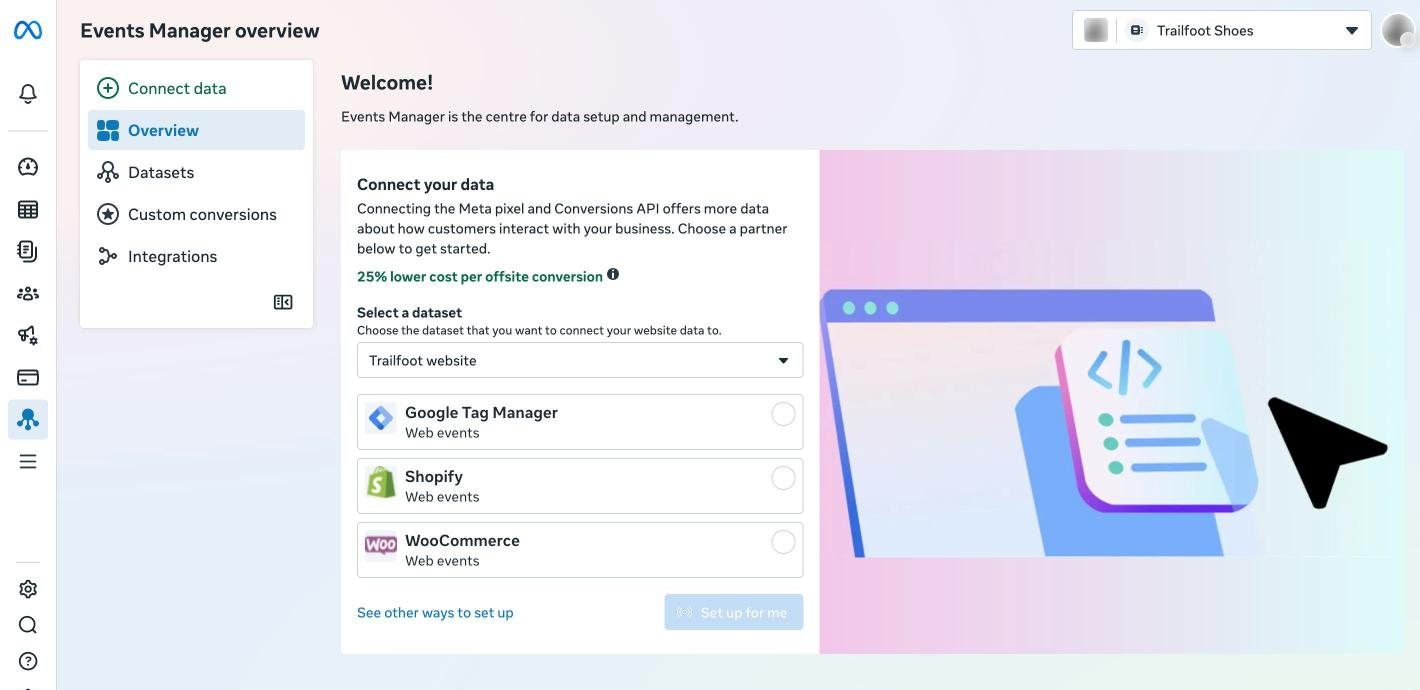
Meta Pixel (browser)
A small piece of code on your website. When someone views a product, adds to cart or buys, the Pixel tells Meta from inside their browser. Ad blockers, browser privacy features and slow pages can stop some of those signals.
Conversions API (server)
The same events sent directly from your website's server to Meta. It does not depend on the person's browser, so it fills in what the Pixel misses. Shopify, WooCommerce and most big platforms have a built in integration.
Use both, with deduplication
When both send the same purchase, Meta needs to count it once. Each event carries an event ID; if the browser and server send the same ID, Meta keeps one. Good platform integrations handle this for you.
Check the Event Match Quality score in Events Manager. It shows how well Meta can match your events to real people, based on details like email and phone sent in a hashed (scrambled) form. Higher is better.
Run the Pixel and the Conversions API together, deduplicated by event ID. Watch Event Match Quality in Events Manager.