
Impression share: how much are you missing?
Search impression share is the percentage of eligible searches where your ad actually showed. It tells you how much room there is to grow, and why you are missing the rest.
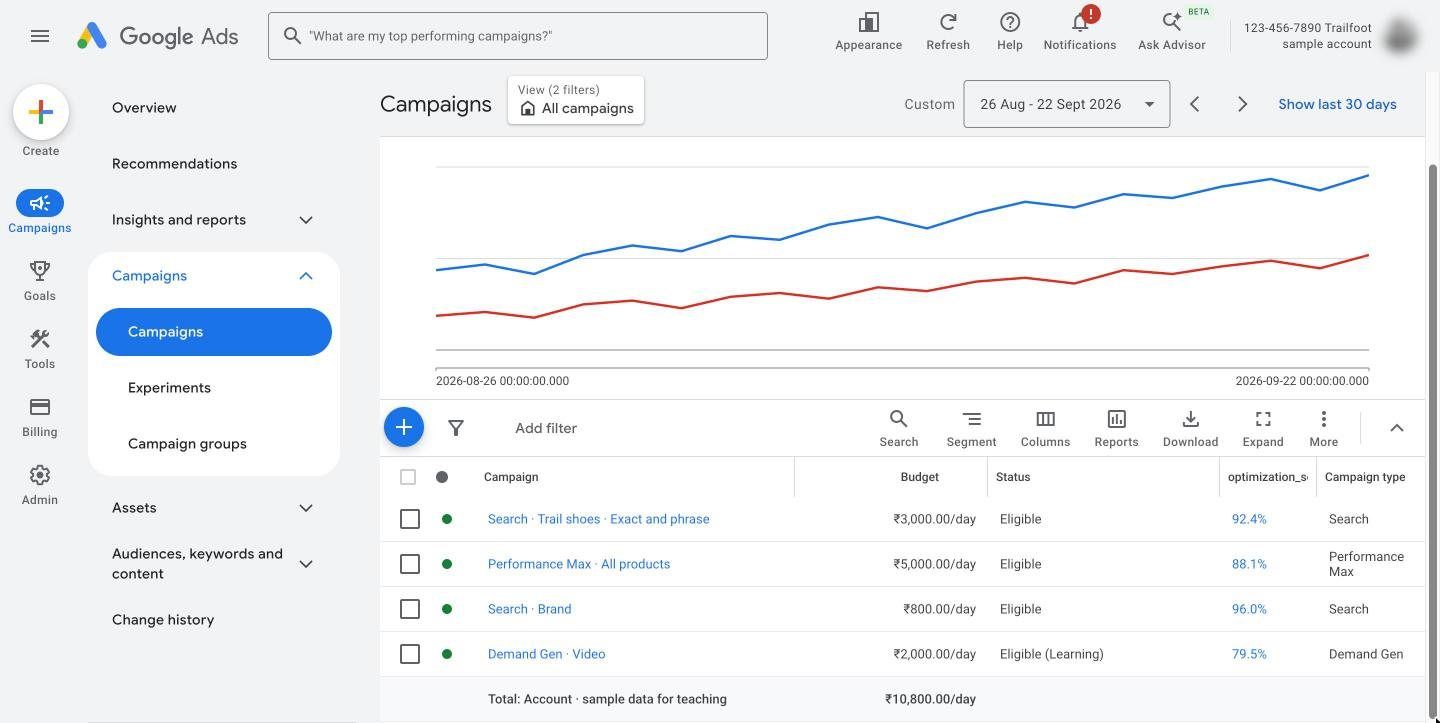
Google Ads · Where these columns liveReal screen, sample data
- Search lost IS (budget): you missed searches because the budget ran out. More budget could capture them.
- Search lost IS (rank): you missed searches because your Ad Rank was too low. Better ads, landing pages, assets or higher bids could fix it.
- Top and absolute top impression rate: how often you show above the organic results, and in the very first position.
Use them together. A campaign with a great CPA and high lost IS (budget) is your easiest growth. A campaign with high lost IS (rank) needs quality work before money.
Key takeaway
Impression share shows how many eligible searches you showed for. Lost to budget means add money, lost to rank means improve quality or bids.
Try this. Add the impression share columns to your campaigns view and find your best campaign that is losing share to budget.
Use the left and right arrow keys to move between lessons. Your progress is saved on this device.