
Build your first Meta sales campaign
Here is a simple first structure that works for most small stores. Open Ads Manager and click Create.
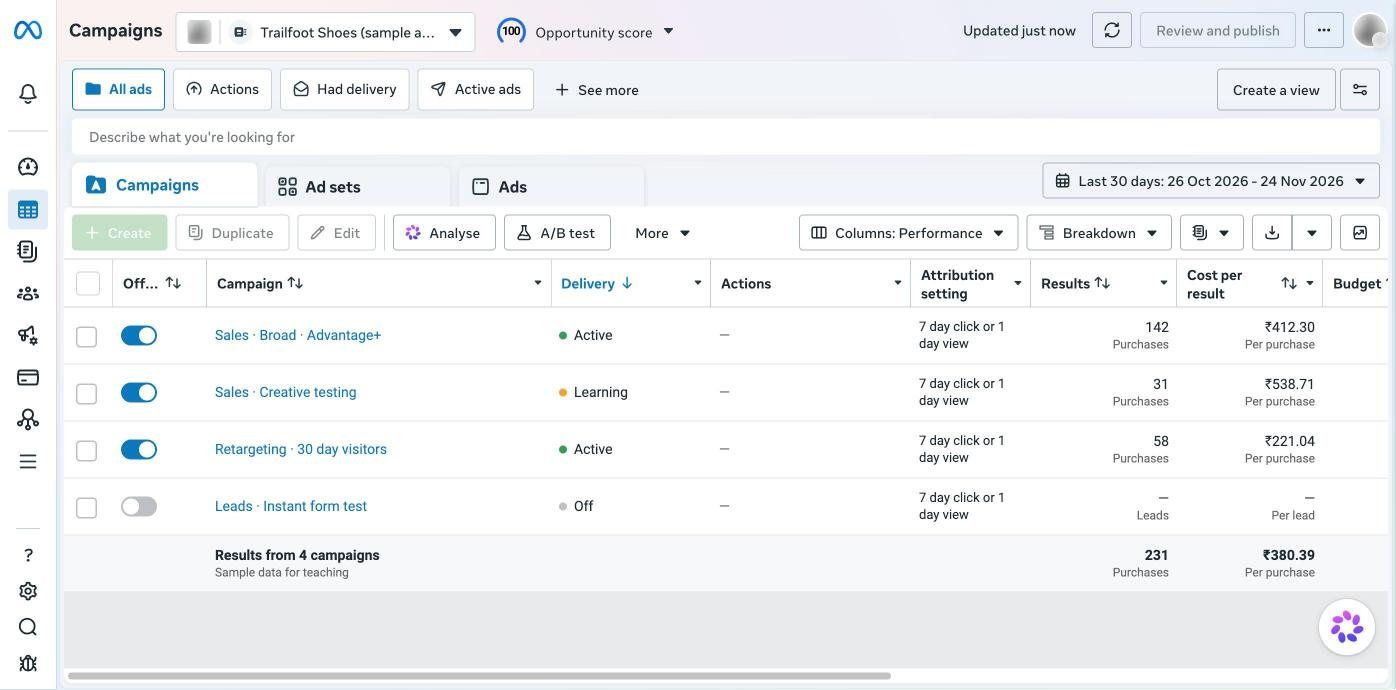
Meta Ads Manager · Where your campaign will liveReal screen, sample data
- Objective: Sales. Choose your website as the conversion location and Purchase as the event.
- Campaign budget: one daily budget on the campaign, sized from the last lesson.
- Audience: your country, a sensible age range, and Advantage+ audience. Add your customer list as a suggestion if you have one.
- Placements: Advantage+ placements.
- Ads: your five ads in one ad set. Use the right shape for Feeds and for Reels and Stories.
- Link: send people to the hero product page, not the home page.
- Review: check the URL, the Pixel, and that the page name and Instagram account are correct. Then publish.
Ads go into review, usually for a few hours, before they start delivering.
Key takeaway
Sales objective, Purchase event, one campaign budget, broad Advantage+ audience, Advantage+ placements, five ads, product page link.
Try this. Build the campaign as a draft first and check every step against this list before you publish.
Use the left and right arrow keys to move between lessons. Your progress is saved on this device.