

Post links.
Paste a link to any post or reel. Each of your chosen accounts comments on it once.
 SureSocial Apps
Add your Instagram accounts, paste post links or the accounts you want to engage with, and Commently writes and posts real comments on a safe schedule. It runs on your own Mac or Windows computer.
Free · Windows 10 and 11 · macOS 12 or newer · Version 1.5
Read the guide (PDF) ›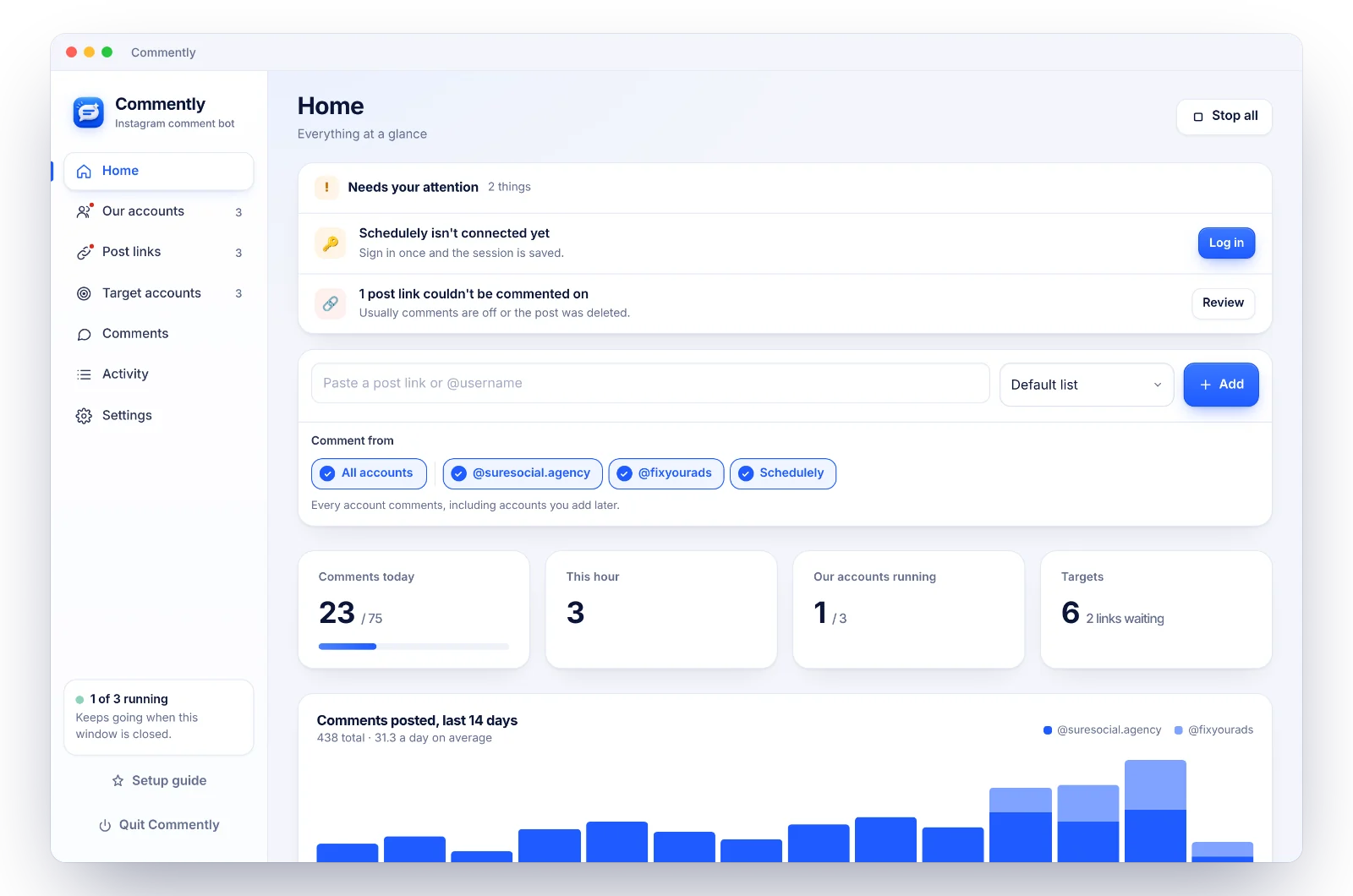
Paste a link to any post or reel. Each of your chosen accounts comments on it once.

Add an @username. Every new post they publish gets a comment within minutes, and their old posts are skipped.

Add as many Instagram accounts as you like, in one go. Each one has its own login, proxy, limits and on and off switch.

Hourly and daily caps, warm up for new accounts, random gaps between comments, active hours, and an automatic pause if Instagram limits an account.
Type each Instagram username, add a proxy if you use one, and sign in once. The login stays on your computer.
Paste post links, or add the accounts you want to target.
Choose a comment list, or write your own. Commently mixes the wording so no two comments are the same. You can also let AI write a unique comment for each post.
Commently looks at each post, likes it, types the comment like a person and waits before the next one. Do a test run first to see the comments without posting anything.
See what every account is doing right now, with a countdown to its next comment.
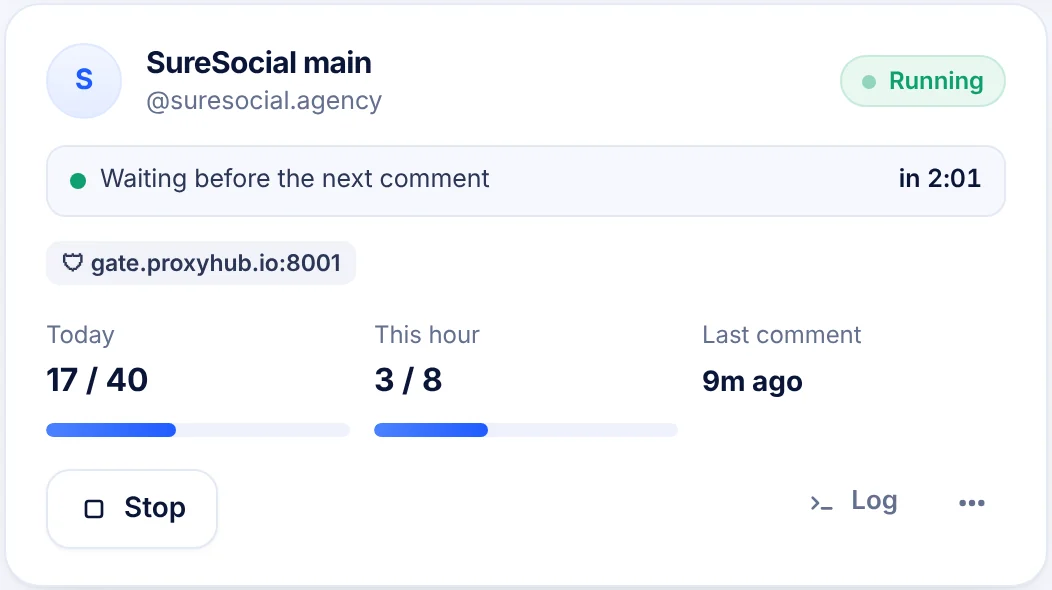
One card lists anything that needs a click from you, with the fix right there.

New accounts start at 10 comments a day and add 5 a day until they reach your limit.
Give every account its own connection so they stay separate.
The same text is never posted twice within 48 hours, and two of your accounts never post the same text on the same post.
Claude reads each caption and writes a comment in your voice.
Finds posts and writes comments without posting anything.
Every comment with its account, post and result.
Keeps your computer awake while it works, opens when you log in if you want, and restarts an account by itself if it stops.
Full sidebar, compact sidebar or a phone style tab bar, depending on your window.


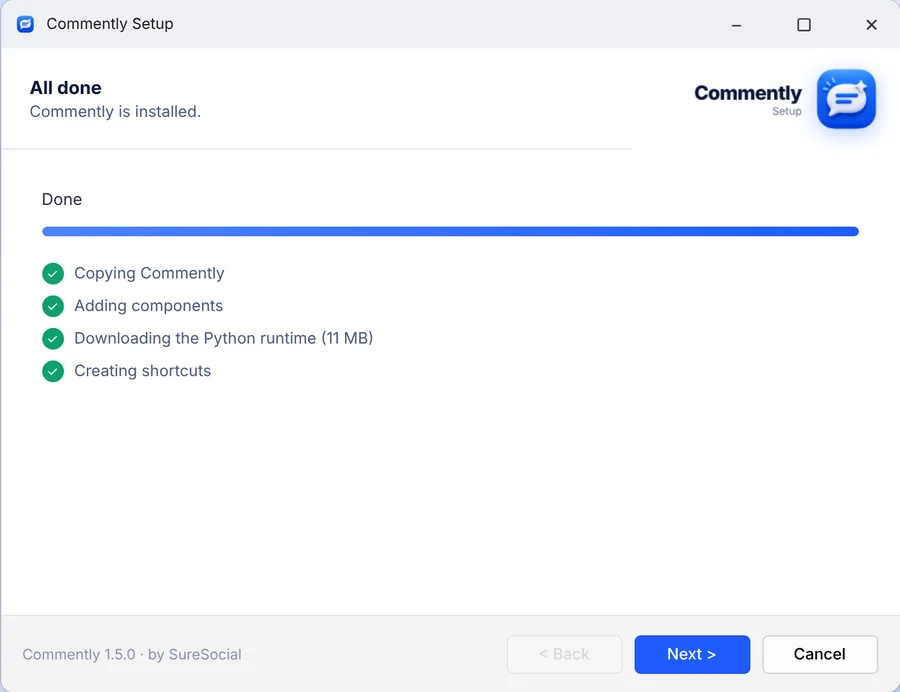
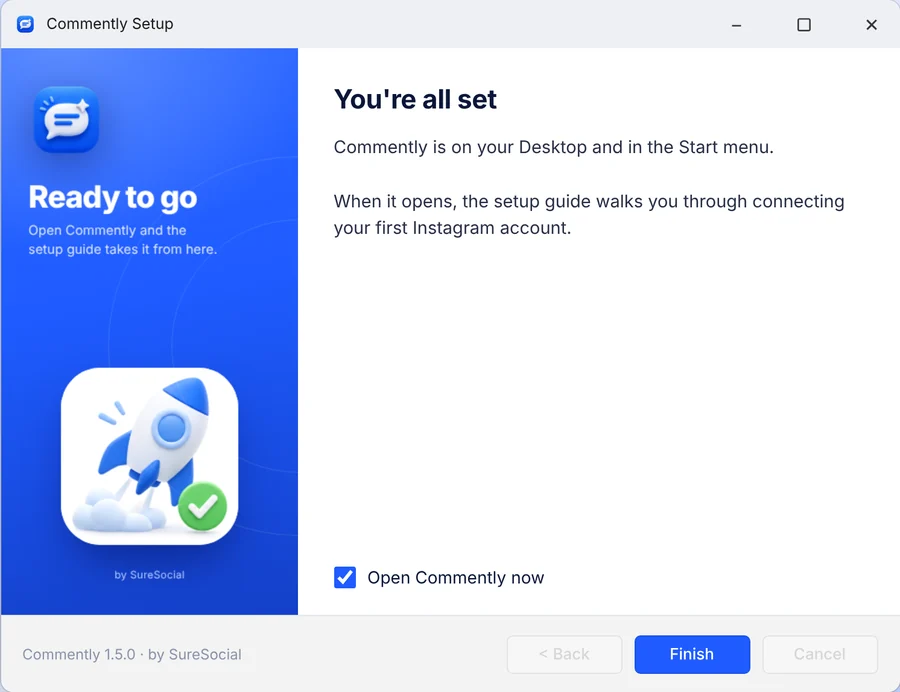
The first time it opens, a setup guide walks you through connecting your first Instagram account.
| You need | Why |
|---|---|
| A Windows 10 or 11 PC, or a Mac with macOS 12 or newer | Commently runs on your computer and needs it on and online while it comments |
| Your Instagram accounts and their 2FA codes | You sign in once per account |
| One proxy per account, if you run two or more | Keeps your accounts separate |
| An Anthropic API key, optional | Only for AI written comments |
Yes. It is a free download for Windows and Mac.
No. It runs on your own computer, and your Instagram logins stay on that computer.
As many as you like. Each running account uses its own hidden browser, so a typical computer runs about 15 to 25 at the same time comfortably.
No. It skips posts that already existed when you added the account, and only comments on new ones.
Yes. Use Test run. It does everything except posting.
That account stops, shows Logged out and alerts you. Sign in again with one click.
No. Commently runs on Windows and Mac computers.
Download Commently, follow the setup guide, and your first comments can be running in a few minutes.
Want ads that bring in customers? Meet SureSocial Marketing ›